Screenshots
Aven provides a native look-and-feel interface on Microsoft Windows, macOS, and Unix platforms. On Microsoft Windows, Survex is packaged with an installation wizard which automatically sets up file associations. Here is Aven running under Microsoft Windows 7:


Convenient mouse controls provide a fast, interactive way of navigating the cave system down to small scales. Survey stations can be pinpointed with crosses and labelled.

The side panel permits navigation of the survey tree, and stations and surveys can be quickly located via the search facility. As shown above, it's easy to quickly measure the distance between two survey stations.
Extremely complicated cave systems can be quickly processed and visualised. The survey shown below contains nearly 70,000 survey legs:

User interface items can be removed if desired: note how the side panel has been hidden. Surveys can be coloured by various criteria - by depth (the default), by date (as above), by surveying error, by gradient, by leg length, or by survey.
Survex works seamlessly in different languages - there are currently fairly complete translations for Brazilian Portuguese, Catalan, Chinese, English, French, German, Indonesian, Italian, Polish, Portuguese, Romanian, Russian, Slovak, Spanish, and US English, plus partial translations to Bulgarian, Czech, Greek and Hungarian. The image below shows Aven using the German translations.
Fixed points can be highlighted (here in red), as can exported points (not shown here), and cave entrances (here in green). Note the surface surveys distinguished with dashed lines:

Survex supports Unicode - for example, here is the Slovak translation showing a cave with Chinese characters in its name:

Aven can render terrain data, while showing the caves beneath:

You can process survey data directly from Aven, and view any warnings or errors - clicking on a warning or error will open that file for editing:

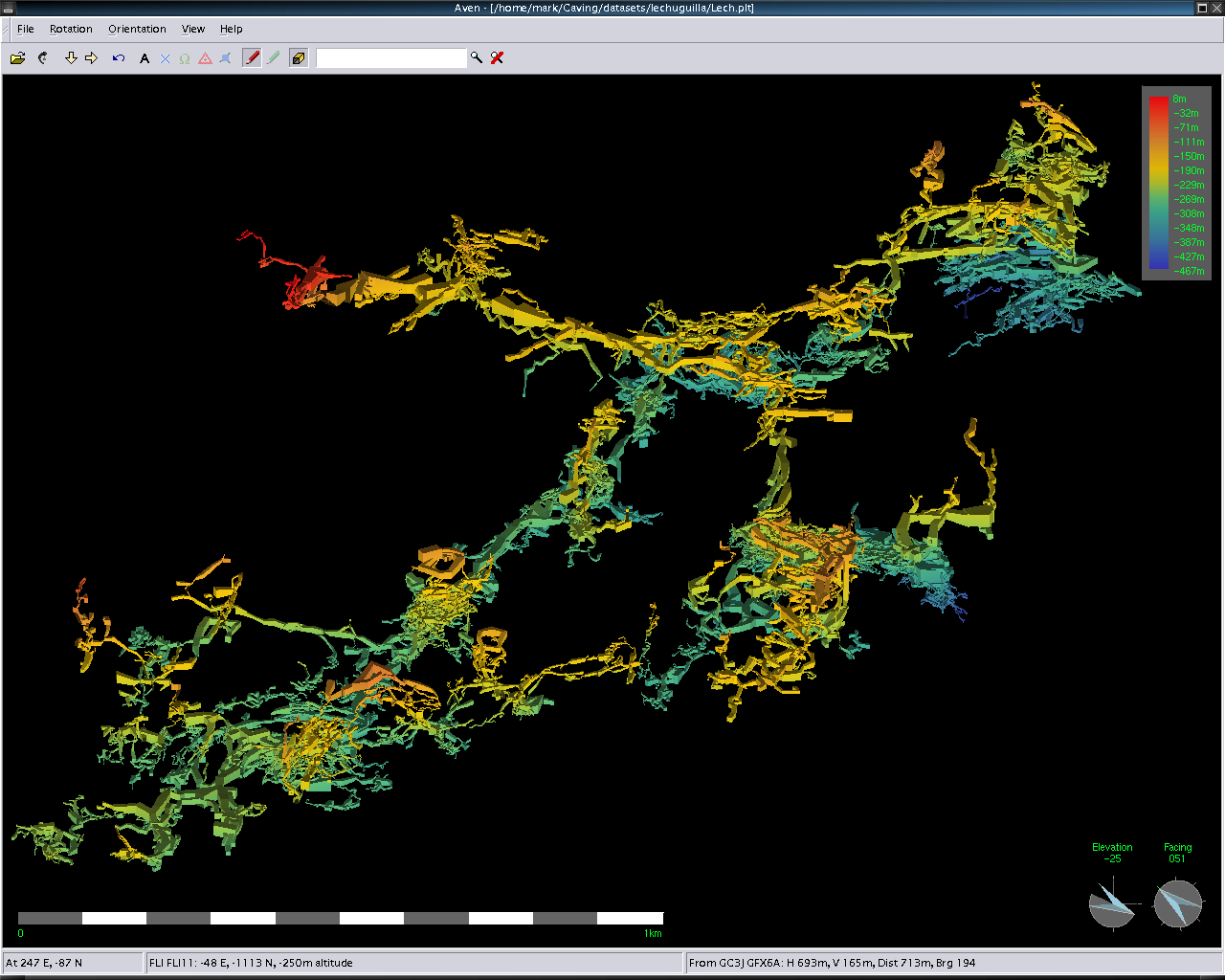
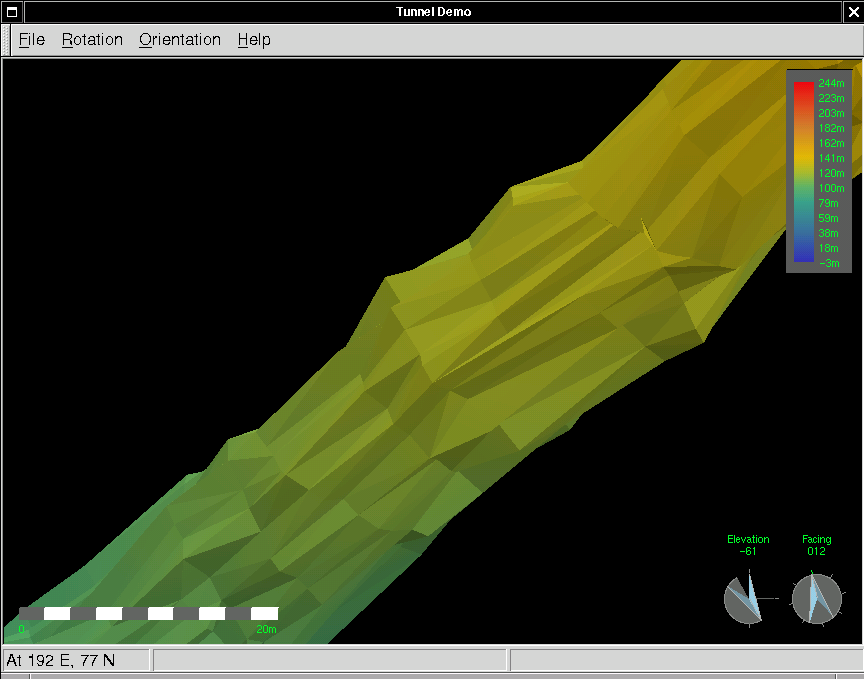
And here are some "teaser" screenshots of stuff under development:

| Home |
| Features |
| Screenshots |
| Bugs and Wiki |
| Press Coverage |
| History |
| Downloads |
| Git |
| Documentation |
| Mailing List |
| Related Tools |
| Recent Changes |
| To Do |
| The Future |
webmaster: Olly Betts